GMAIL · 15-MIN
Email intros
→Every fifteen minutes the agent reads new email — intros, forwards, replies. Pulls the contact, picks the routing, drafts the CRM entry. Nothing falls through.
WhatsApp forward, email intro, business card from last week's event — extracted, enriched, deduped, owner-assigned. Only the keepers ping you.
Every founder has the same dark corner of the deal flow. The intro from Tom on WhatsApp about Felix at Acme. The email from an investor with three names attached. The business cards from last week's conference, still in your jacket pocket. The customers who replied to your launch post with “let's talk”. Every one a deal. Every one buried because the moment it landed was the moment you had no time to type it into HubSpot.
The best leads were the ones nobody typed in.
Most CRM tooling assumes someone types the row. They don't. The intro lives in WhatsApp, the card lives in the jacket, the email lives starred at the top of the inbox until it scrolls off. The deal evaporates not because the lead was bad but because the gap between “person mentioned” and “person in CRM” is measured in cognitive effort, and cognitive effort is the one thing you don't have.
The shift is the master-agent pattern. One inbox-shaped surface — Gmail, WhatsApp, snapped photos, even forwarded LinkedIn DMs — pipes into one router. The router extracts the contact, runs the enrichment, dedupes against the CRM, decides the routing (LEAD to CRM, INVOICE to the accountant, SUPPORT to docs-agent, NOISE to archive), and only pings you for the keepers. One Slack DM a day: the people worth twenty minutes of your time, with the “why” already attached.
You never type a contact row again. The CRM gets dense in the corners that used to stay empty.
The router sees every message and decides what it is — then routes it to the right Koios tool or files it. Your inbox becomes a triage queue with zero buttons.
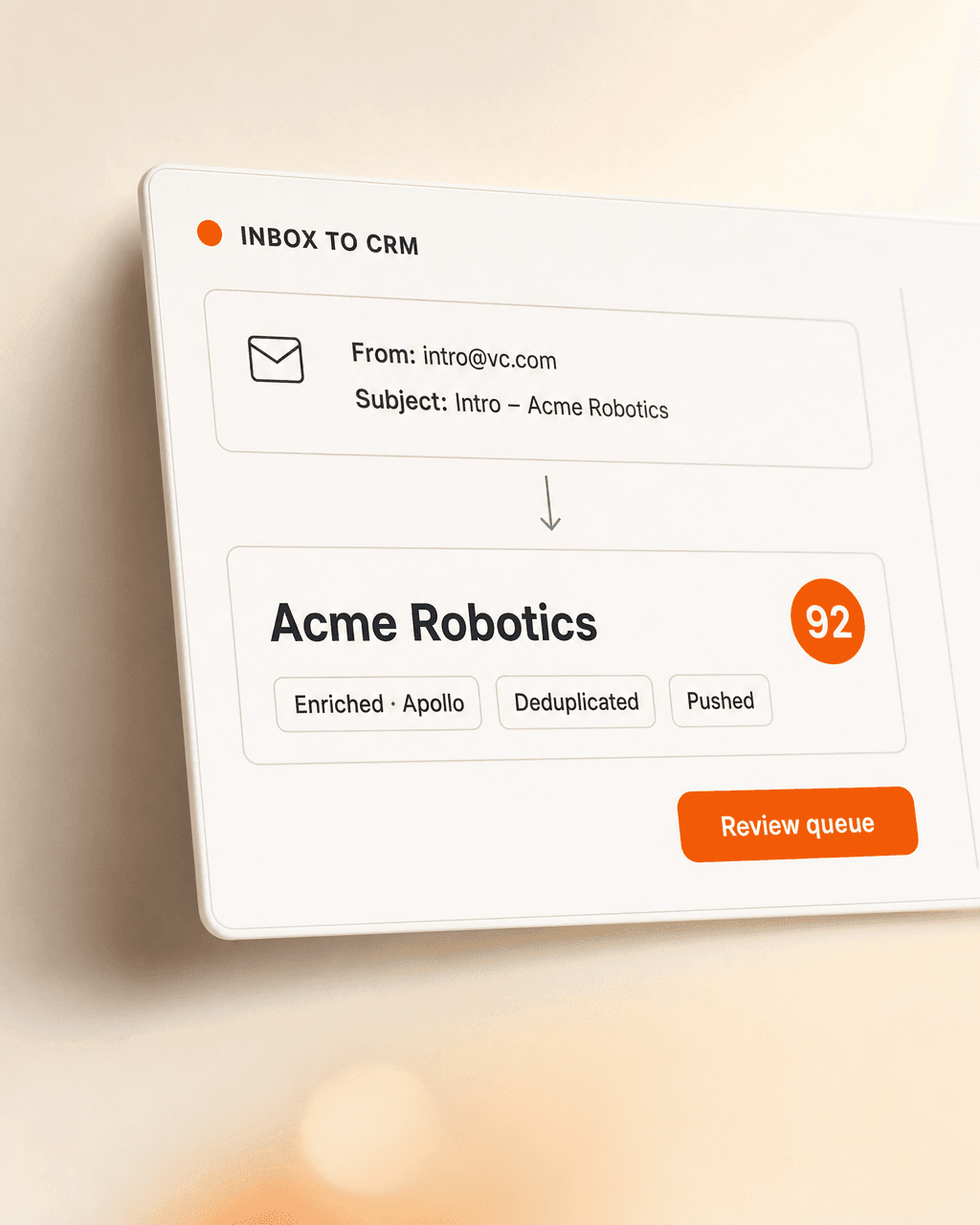
For each message that lands, the router reads the content, pulls out the person and the intent, enriches the contact via Apollo / Cognism / LinkedIn, checks whether they already exist in your CRM, and decides where the work belongs. Most decisions are silent — only the keepers nudge you. The master-agent pattern means routing to other Koios tools (accountant-agent, docs-agent) is built in.
“Routed by an agent.that’s the whole product
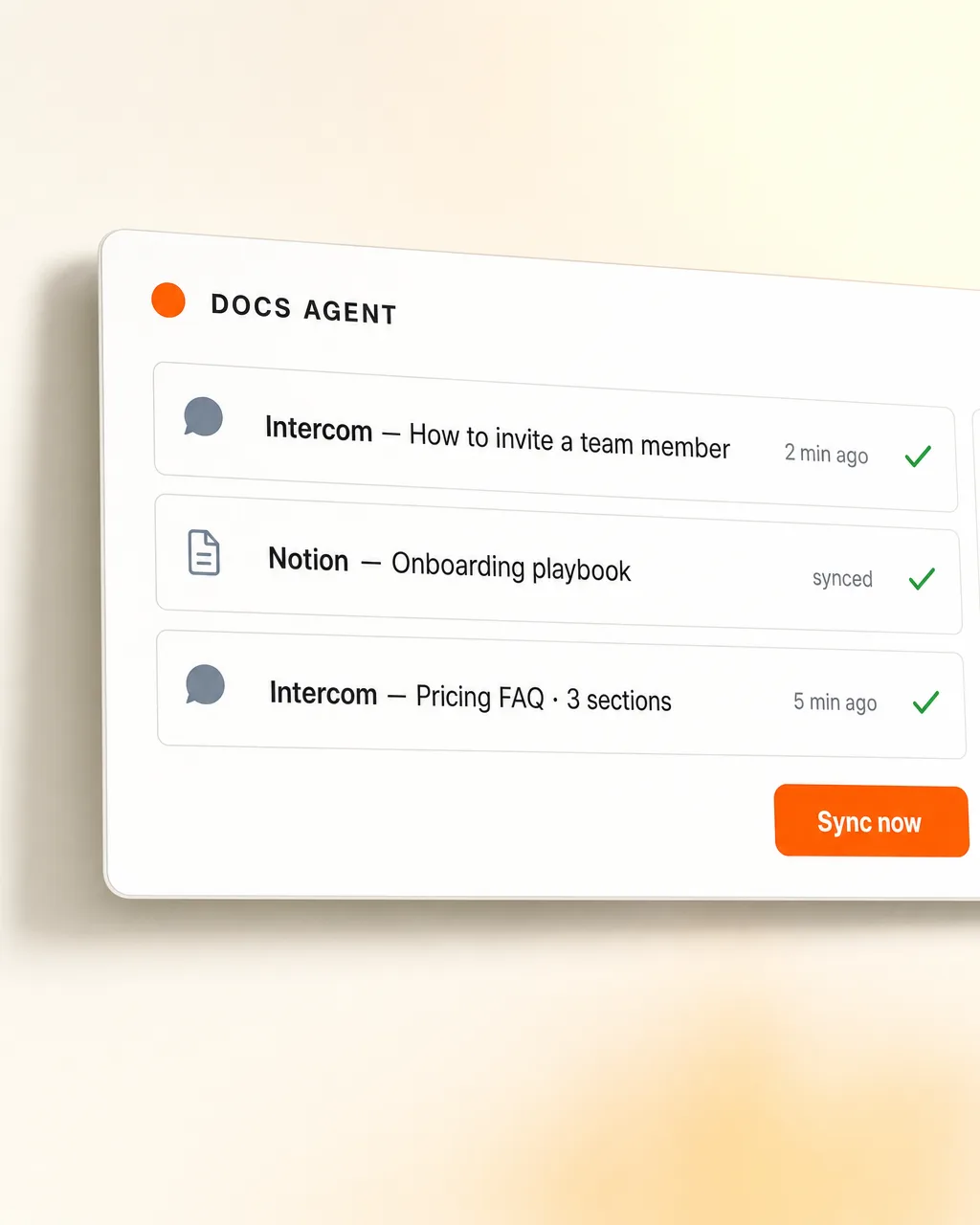
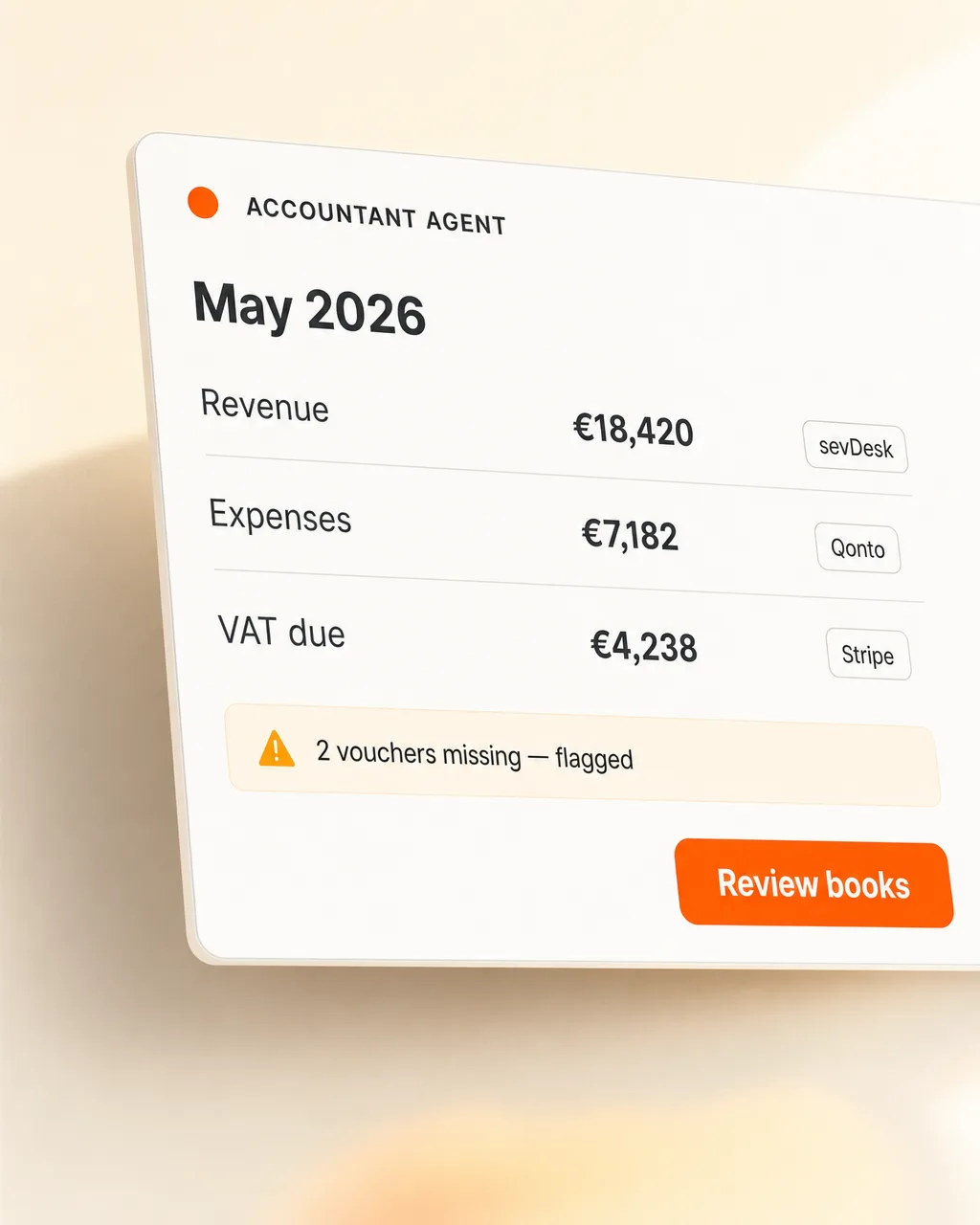
Pulls from Gmail, WhatsApp, LinkedIn DMs, photographed cards. Enriches via Apollo / Cognism / LinkedIn. Pushes to HubSpot / Pipedrive / Salesforce / sheets. Routes the rest to docs-agent or accountant-agent. Pings you on Slack, but only when it matters.
Every fifteen minutes the agent reads new email — intros, forwards, replies. Pulls the contact, picks the routing, drafts the CRM entry. Nothing falls through.

Forward a contact, a screenshot, a voice note — the agent picks the person out, structures it, and drafts the CRM row. The intro from Tom doesn't die in your DMs.

Snap the card with your phone, drop it in. The agent extracts name, title, company, email, phone — and pulls the rest from LinkedIn before the next session starts.

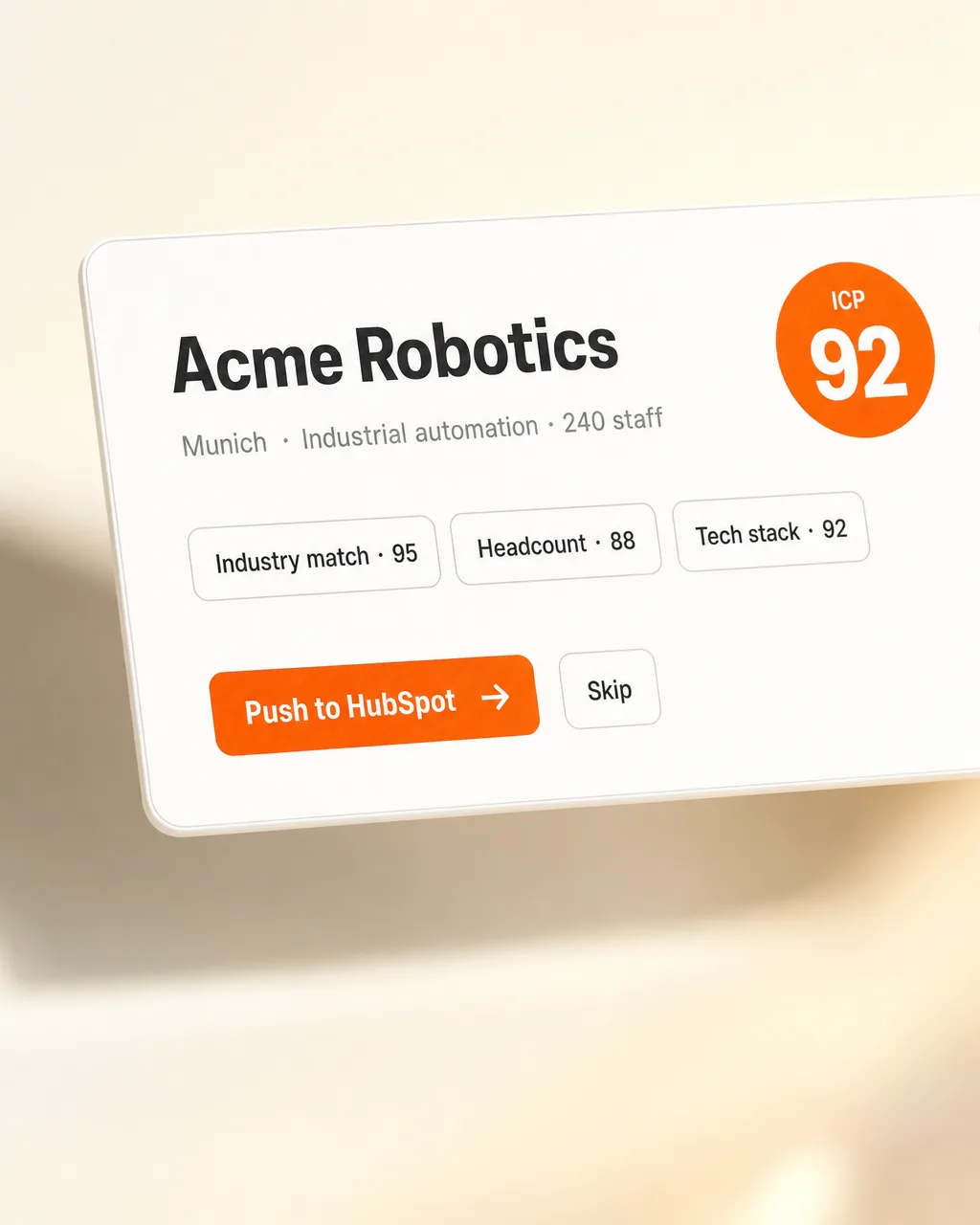
Name, company, title and channel come from the message. Phone, email, persona, seniority, company size, recent moves — pulled live from Apollo, Cognism, LinkedIn.

Deduped against what's already in your CRM. Owner auto-assigned, source tagged, intro context attached. The deal opens with the “why we know them” on the record.

You get one Slack DM a day: the keepers worth a follow-up, with the context and the suggested reply already drafted. Nothing else pings you. Nothing.
Inbox in. One DM out. Everything else handled.
Six months in, the CRM contains everyone you've actually met — including the conversations that used to die in WhatsApp threads and conference jackets. The follow-up that mattered finally gets the second touch because the row exists and the next-step note is already attached. The hour you used to lose to inbox triage on Sundays goes back; the high-signal contacts surface as one Slack DM with the “why” on the record.
Gmail, WhatsApp forwards, your phone's camera-roll drop for cards. CRM destination, enrichment providers, Slack channel. Master-agent harness wired to docs-agent and accountant-agent if you run them.
We calibrate the routing rules against your real inbox — what's a LEAD, what's a CUSTOMER, what's NOISE for you specifically. Set the threshold for which contacts ping you vs auto-land.
Messages land. The router reads, enriches, routes. The CRM fills itself. You see one Slack DM a day with the keepers. We're around when you want a new channel wired in or a routing rule adjusted.
Twenty minutes. We walk through your inbox shape, the routes you'd want, and what one Slack DM a day looks like.
Or email matthias@lifeisapitch.io