THE SOURCE
Loom
→Every founder Loom, customer call, internal walkthrough — auto-transcribed, indexed, and surfaced to the rest of the system.
Drop a Loom or merge a PR. An agent watches what you ship and keeps every doc surface current — in your voice.
Every founder ships the same thing. They Loom an explanation. Drop a Notion page. Type the same answer into Slack for the fifth time. Then ship the next thing. By Tuesday the Loom is buried, the Notion page is half-finished, and the help centre still describes the version from December. Support takes the hit. Onboarding takes the hit. The team takes the hit. The work was done — it just never landed where anyone could find it.
Your docs went stale the moment you shipped past them.
Most documentation tooling assumes a human will sit down and write. They won't. They'll ship. The Loom you recorded explaining the new flow has more context than any article you'd write afterwards — but it's a video file nobody can grep.
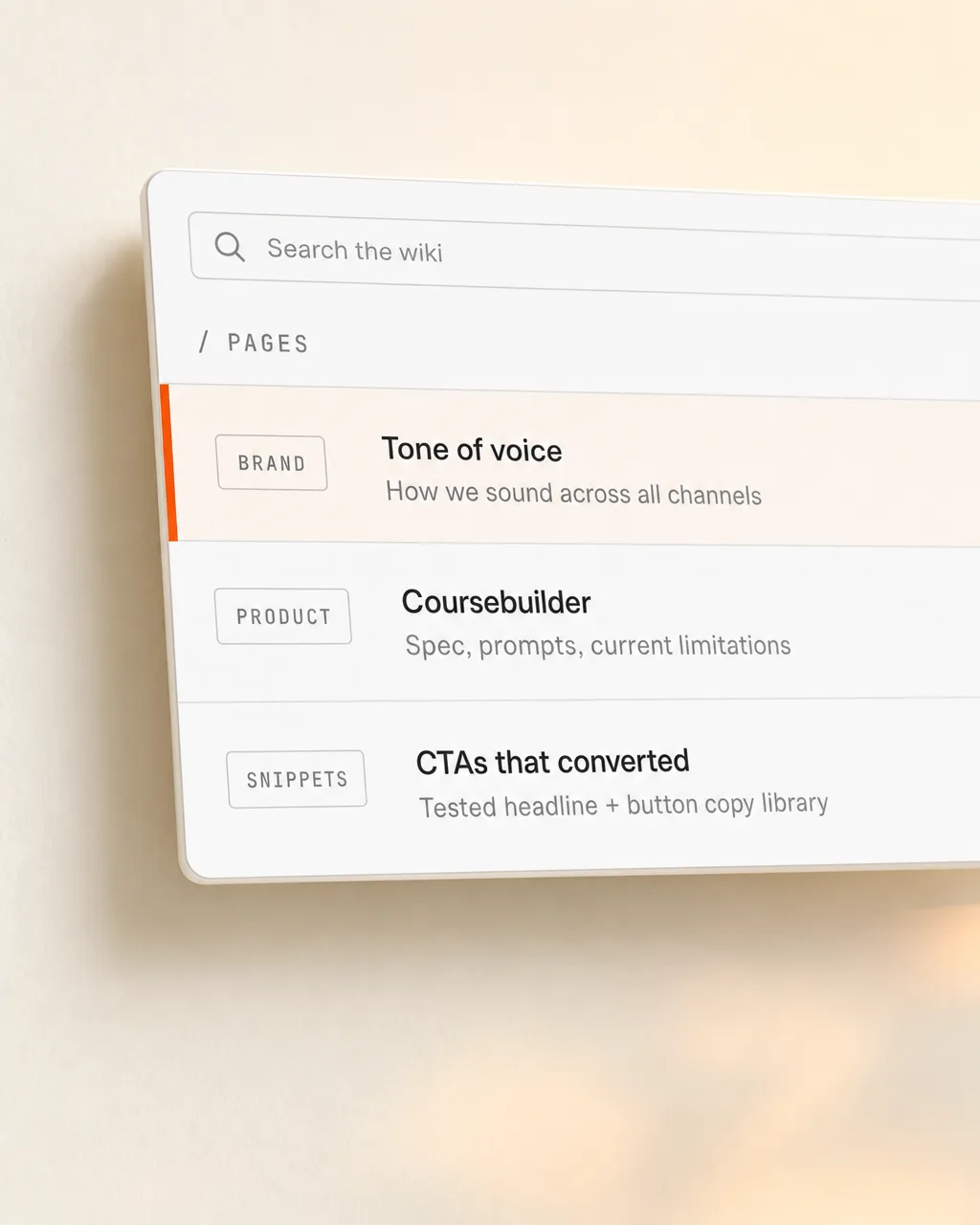
The docs agent flips the model. It watches what you ship — Looms, PRs, Slack threads, calls — and treats them as inputs to a continuously-rewritten doc surface. Your help centre, wiki, and social calendar are downstream of the work, not upstream of it. The next time you Loom an answer, it becomes an article. Quietly. Tagged with the source. Versioned with the ship.
Your team didn't write docs this week. They shipped product. The docs got written anyway.
Not just code. Anything that's a knowledge artifact about how the product works, why a decision was made, or what to tell a customer.
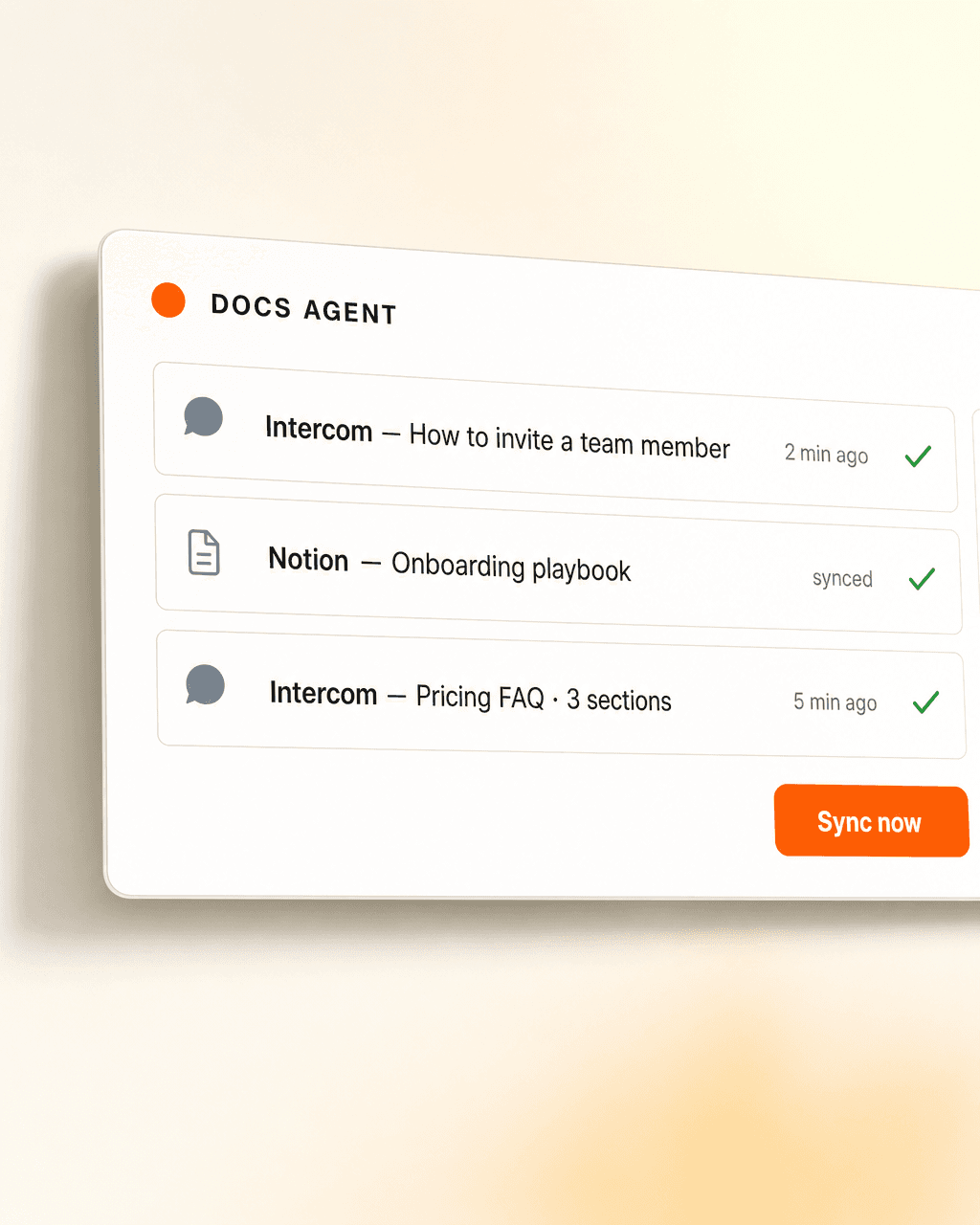
When something shipworthy happens — a Loom drop, a merged PR, a recurring support question — the agent decides which surfaces care, drafts the update, tags the source, and ships it. Help centre, wiki, support thread, release-note PR, social-calendar draft. All from the same writeup. All in your voice.
“Updated by an agent.that’s the whole product
Loom, Intercom, Notion, GitHub, Slack — the agent shows up wherever your team already works. Read access to the inputs, write access to the surfaces. Nobody learns a new tool; the docs just stay current.
Every founder Loom, customer call, internal walkthrough — auto-transcribed, indexed, and surfaced to the rest of the system.

Articles drafted, updated, and version-tagged when you ship. Customers see the current state of the product, not December’s.

Your Notion / Confluence / internal wiki, kept in sync with the help centre. One source, two audiences.

When a question lands in support — internal or customer-facing — the agent answers in-thread and cites the article it pulled from.

Every merged PR worth surfacing comes back as a drafted release note — for the changelog, the help centre, and the team channel.

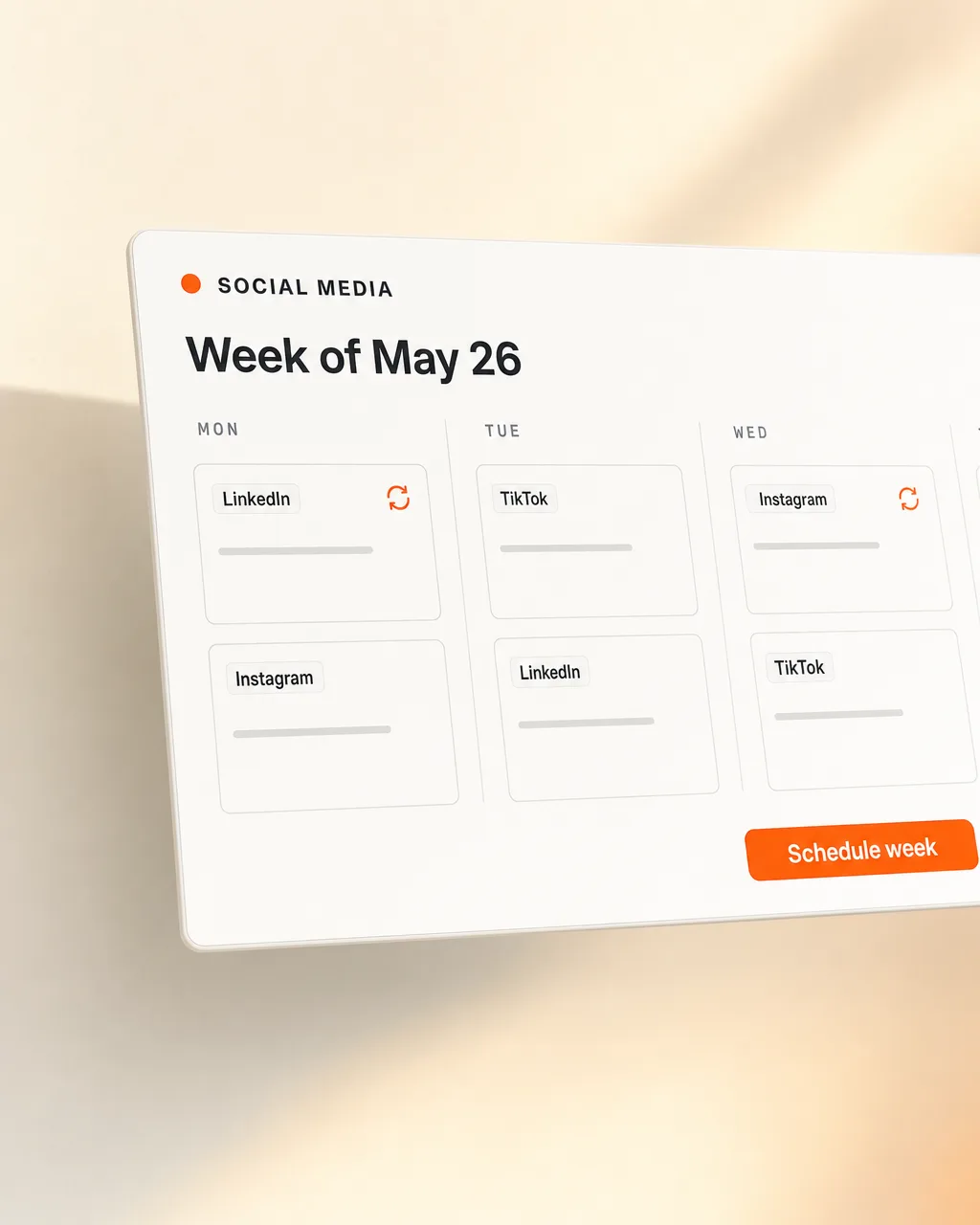
Every shipworthy moment becomes a draft in your content calendar — Twitter, LinkedIn, newsletter. Your voice, your moments.
Same tools your team already uses. Always current.
With docs that match what you actually ship, the most common customer questions get answered before they hit a human. The agent reads the support thread, finds the matching article, replies with the answer and the source. When the question is new, the answer becomes the next article. The help centre gets denser as the team ships more, and every cohort of customers needs less hand-holding than the last.
We connect Loom, your help centre (Intercom, Zendesk, custom), your wiki (Notion, Confluence), GitHub, Slack, and your social calendar. Read access to the inputs, write access to the surfaces.
We backfill what's already shipped, learn your voice from the docs that exist, and draft the first round of updated articles. Your help centre shows up populated, not empty.
Every ship, every Loom, every PR — the agent updates. We're around when you want a new doc surface plugged in or a tone shift.
Twenty minutes. We walk through what you ship, where your docs live, and what one looks like for your team.
Or email matthias@lifeisapitch.io