THE SOURCE
The brief
→Type a brief, drop a product photo, attach a moodboard. The engine takes it from there — palette, typography and voice already baked in.
Drop a brief or a product photo. A per-client engine renders it in your palette, your typography, your voice — every format, on tap.
You have a brand. Palette, typography, tone, references, the works. By the time anyone needs to ship an asset, it lives on a slide nobody opens, and the person making the post — the founder, the intern, the agency on retainer — picks a template, tweaks a colour, ships it. Three rounds of feedback later it's nearly on-brand. Multiply that by every post, every ad, every deck.
Your brand drifted every time you posted.
Generative image tools default to a generic register — purple gradients, plastic faces, the same lookalike that's now ubiquitous. The engine flips the prior. It ingests your brand kit first: palette, typography, copy voice, reference work, illustration register. Then every render starts from your specifics, not the model's defaults.
The engine isn't a model. It's a prompt-craft layer on top of the best image model for the job — gpt-image-2 for text-bearing posters, gemini-flash for identity-preserving reference work, kling for short video. You don't pick the model. The engine does.
Your team types a brief. The engine returns finished work that looks like it came from your designer.
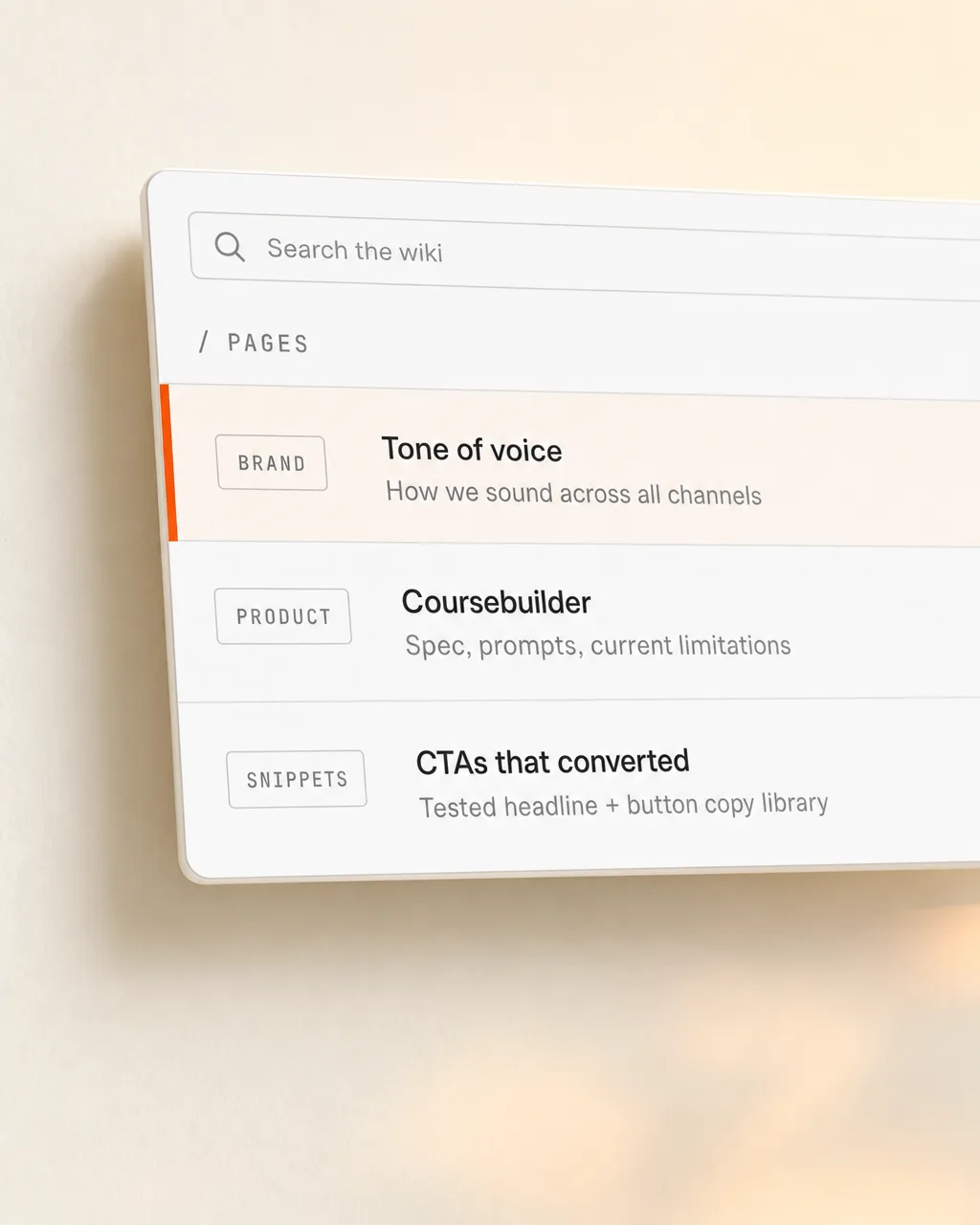
Not just colours and fonts. Everything that makes the work read as yours — and the engine renders against it, every time.
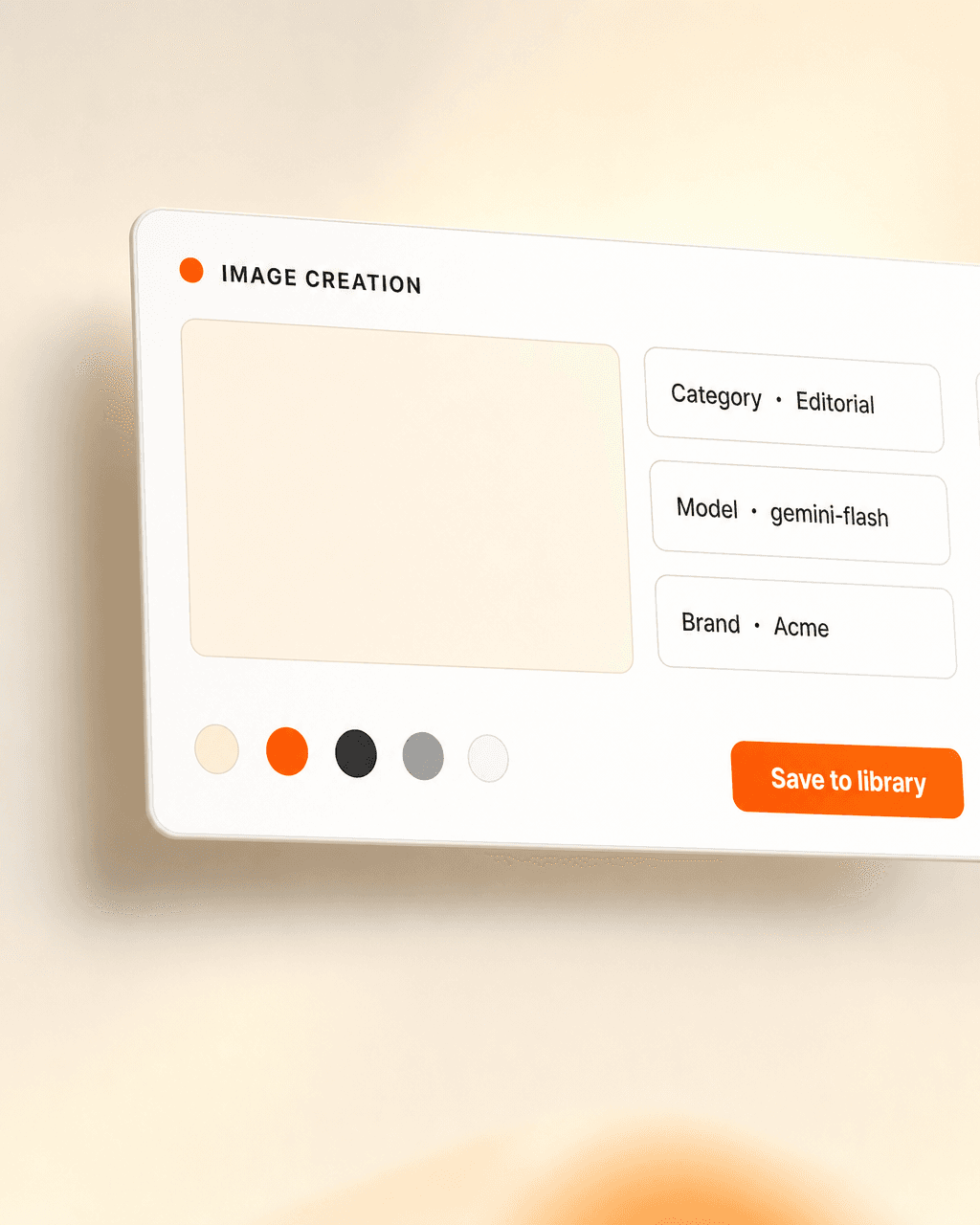
Type the idea. The engine picks the right model, drafts the prompt against your brand kit, renders the formats your campaign needs — and lands every variant in your media library, tagged and ready. Re-prompts cost a click.
“Rendered on-brand.that’s the whole product
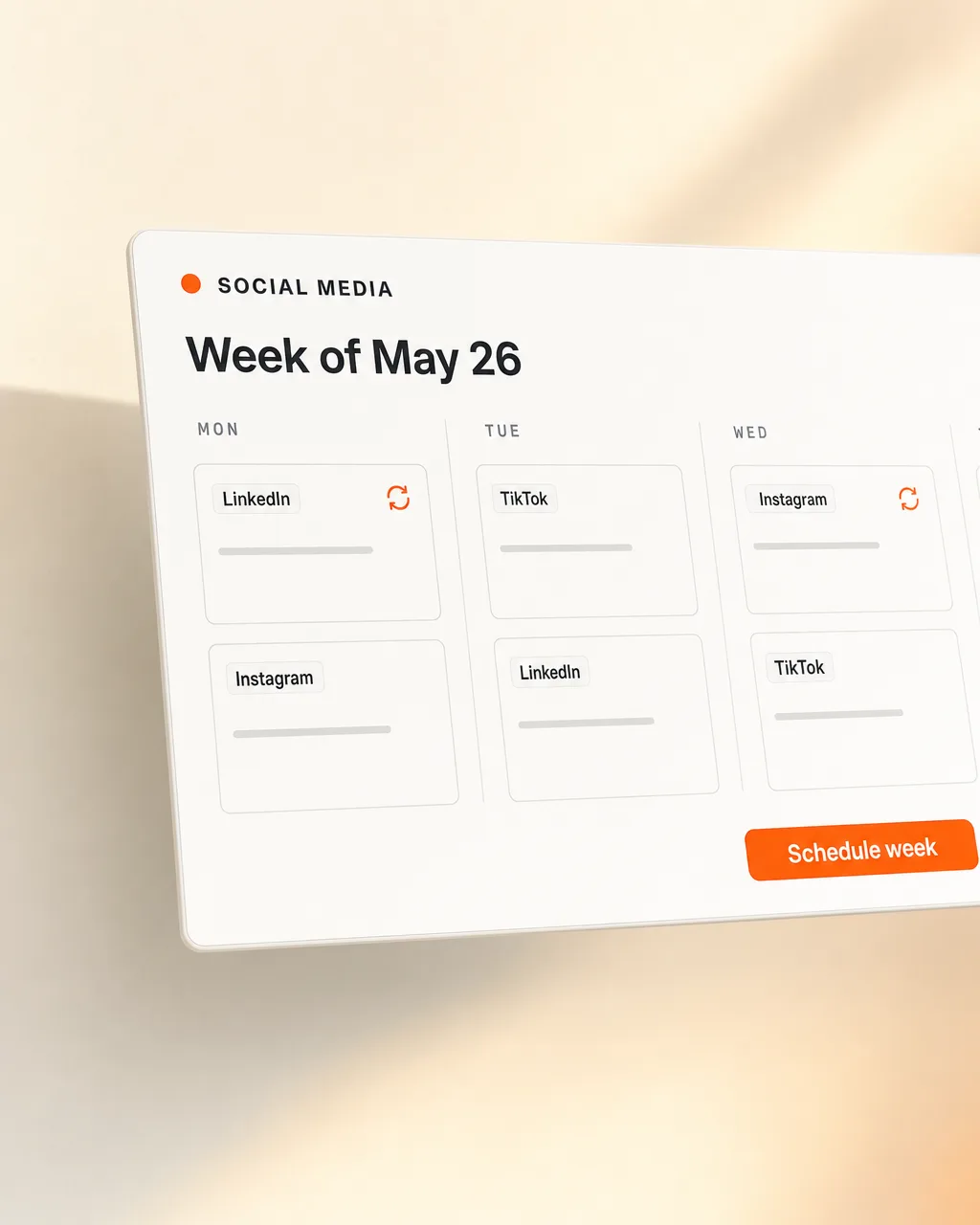
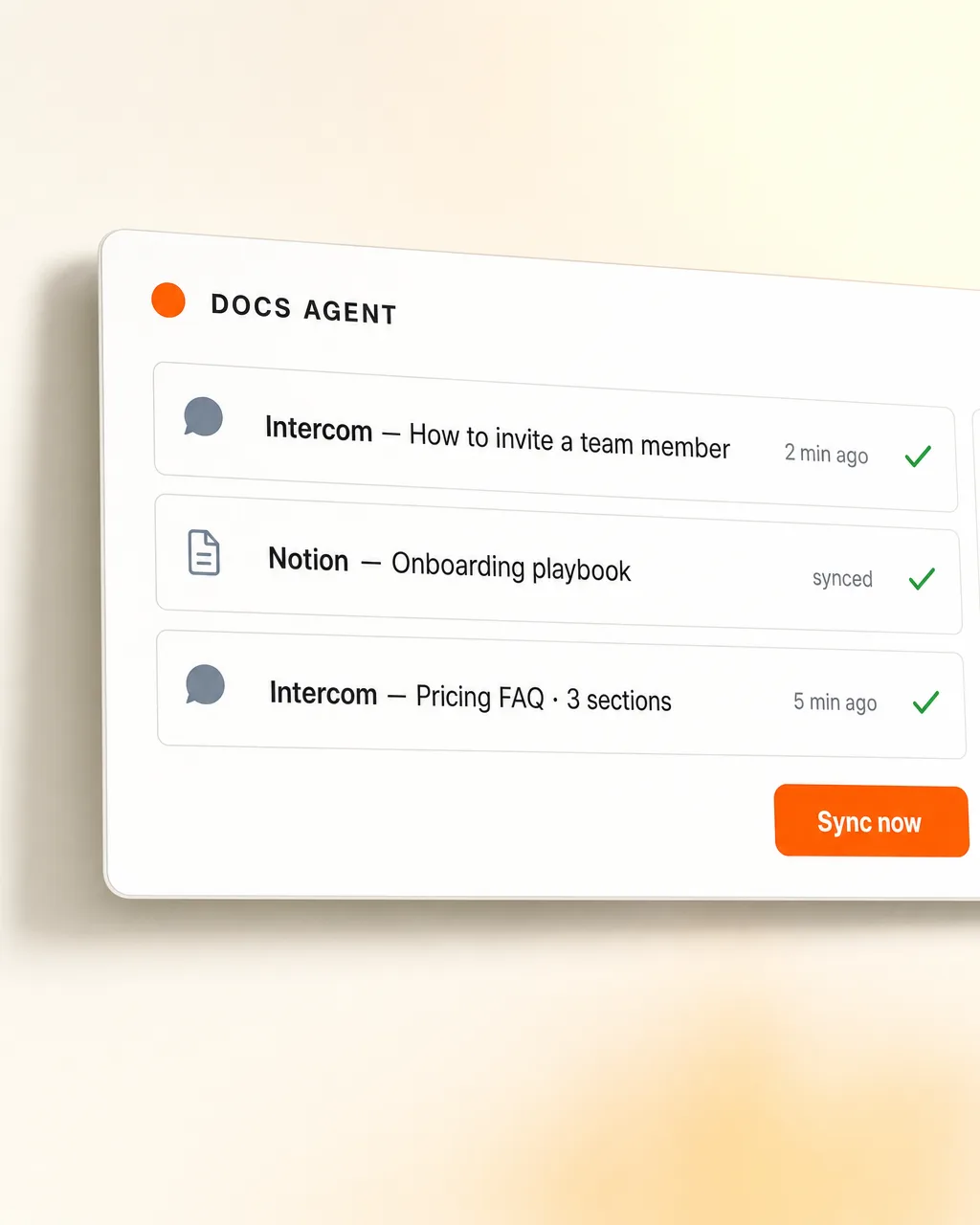
Notion briefs, Figma frames, the media library, the social calendar, the ad managers, the pitch deck — the engine lands work where you already work. Re-renders re-land in place; the file paths don't change.
Type a brief, drop a product photo, attach a moodboard. The engine takes it from there — palette, typography and voice already baked in.

On-brand tiles for Instagram, LinkedIn, X — 1:1 and 9:16, ready for the calendar. Same brief, every format you need.

Variants tuned for paid — 4:5, 1:1, 9:16, each tested aspect ratio rendered from the same idea, ready to push to your ad accounts.

Product on a desk, in a hand, on a billboard. Real surfaces, real light — the still-life register your brand book has always wanted.
Every render lands in your media library, tagged by brief, campaign and format. Searchable, re-renderable, owned by you.

Cover slides, section dividers, hero graphics for pitch decks and longform reports. The engine knows your slide template too.
Same tools your team already uses. Always on-brand.
Marketing doesn't wait three days for a designer to free up. Sales doesn't Canva together a pitch the night before. The agency stops being a bottleneck for every small ask. Every team member ships on-brand work the same day the idea lands — and the senior designer spends their time on the moves that actually need them.
We ingest your palette, typography, copy voice, reference work and prior shipped assets. The engine learns what 'on-brand' means for you, specifically.
We render against your back-catalogue, dial in the register, and seed the prompt library with the moves you already use. You get a working engine, not a blank canvas.
Your team prompts. The engine renders. We're around when you want a new format wired in, a tone shift, or a fresh model swapped under the hood.
Twenty minutes. We walk through your brand kit, the formats you ship most, and what one looks like for your team.
Or email matthias@lifeisapitch.io