From Demoto Done.
A content pipeline that turns one feature-demo video into seven launch-ready artefacts — annotated screenshots, device mockups, LinkedIn copy, a newsletter snippet, two languages of help docs, and a tracked entry in the team's content hub — all from one URL, in one orchestrated run.
Launch day shouldn't be design day
A new feature ships. Then someone screenshots it, cleans the screenshots, mocks them onto a phone, writes the post in the same voice as the last twelve, pastes it into the newsletter, updates the help centre in two languages, and pings the launch channel. Half a day of carefully boring work — the same shape, every time.
Capture.Annotate. Publish.
Six steps. One trigger. Every artefact comes out tagged, tracked, and linked back to the source video.
Capture
A demo video lands in S3. The skill is triggered manually, via Slack, or through an n8n SSH bridge for unattended runs. One URL is the only required input.
Transcribe
whisper-timestamped runs word-level transcription so frame extraction can hit the exact moments a feature is named or a button is clicked — not just every 5 seconds.
Annotate
ffmpeg pulls frames at anchor timestamps. Webcam overlays and browser chrome are stripped with deterministic CV masking. Gemini Vision then draws red arrows around the relevant UI element.
Mock Up
Annotated screenshots are PIL-composited into MacBook and iPhone templates — pixel-perfect, no AI distortion. A Gemini-generated background completes the hero image.
Write
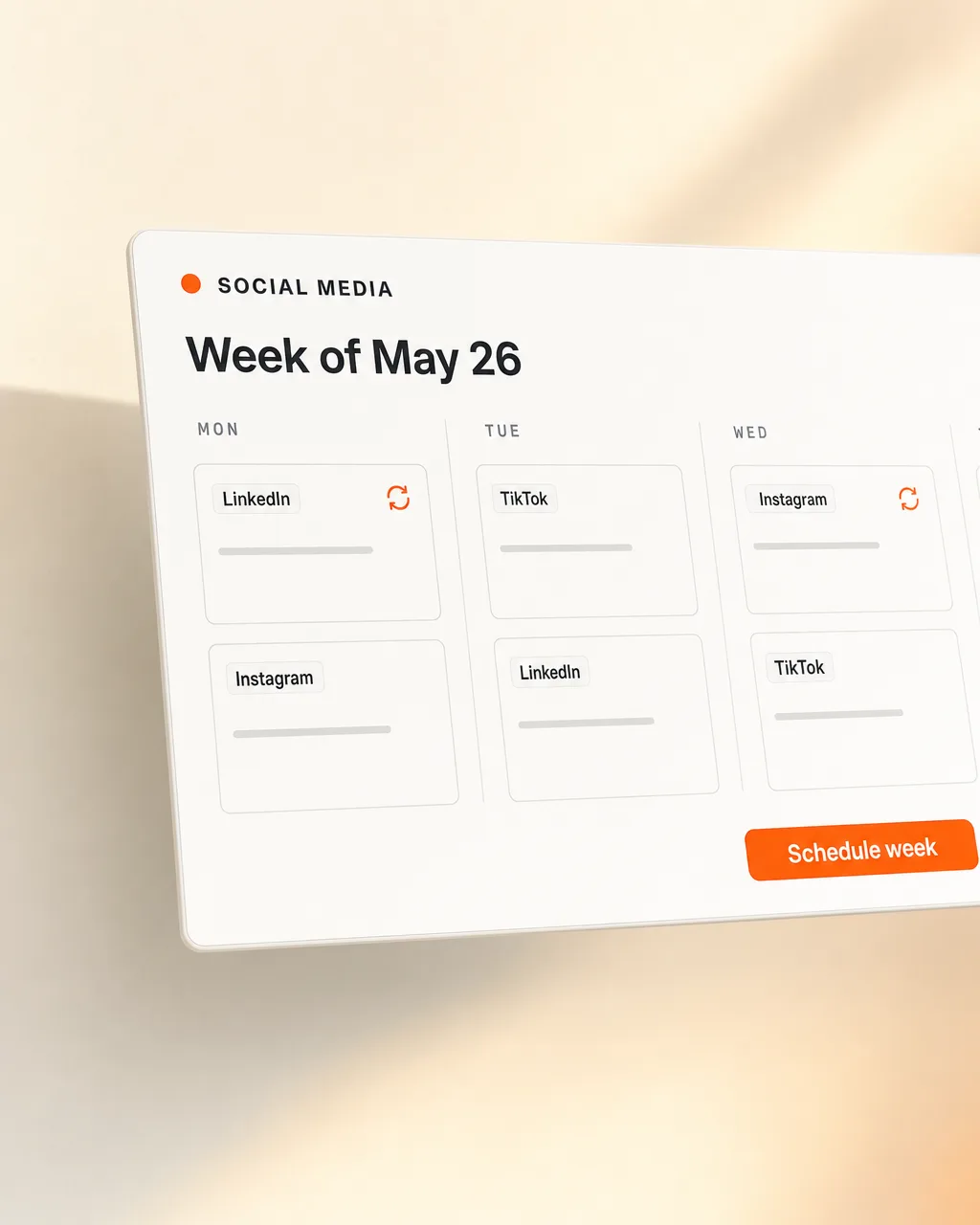
Claude drafts the LinkedIn post and newsletter snippet against the team's style guide and the last 20 published posts — same voice, same structure, fresh content.
Publish
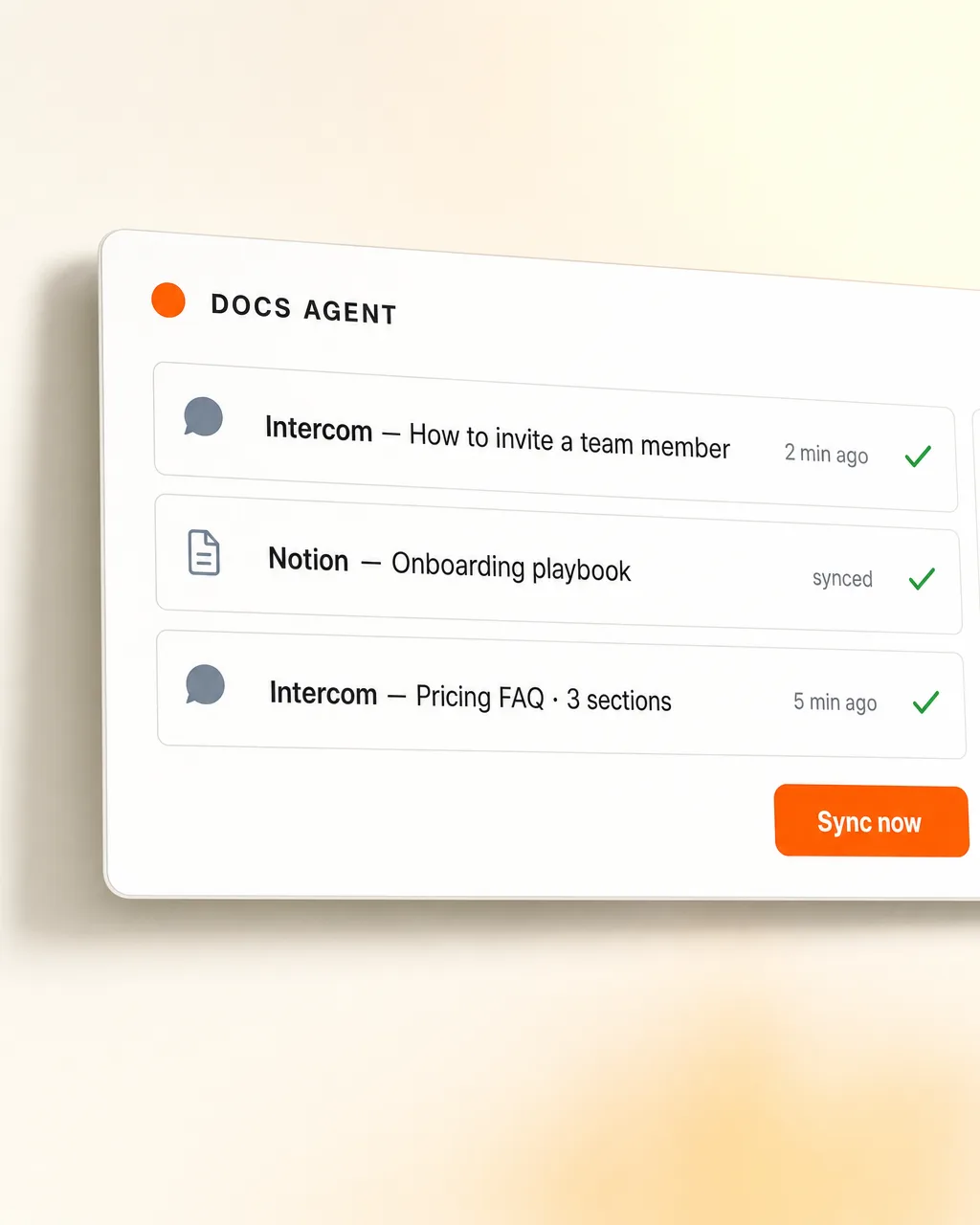
A Notion Feature Hub entry is created with all assets. The English help-centre article is updated in place; the German version is synced via a YAML page-ID mapping with new paragraphs highlighted green for review. Slack and Discord get embed-rich notifications.
One input, seven outputs.
Everything downstream of the trigger is generated, not pasted. Edit anything you like — but you should rarely need to.
AI where it adds value.Code where it would corrupt.
Generic image generators love to redraw UI screenshots and quietly turn buttons into glyphs. This pipeline keeps AI out of pixel-perfect work and uses it where its judgement is the actual feature.
A skill, not a service.
No daemon, no queue, no orchestrator UI. The whole pipeline is a Claude Code skill that calls a handful of MCP servers and Python tools. It runs when you trigger it, exits when it's done, and leaves a git audit trail behind.
Need a launchyou can stop dreading?
Tell us what you're shipping and we'll map out the pipeline that publishes it — annotated, mocked-up, translated, posted, tracked.