
/ 01 WRITE SURFACE
The Hub
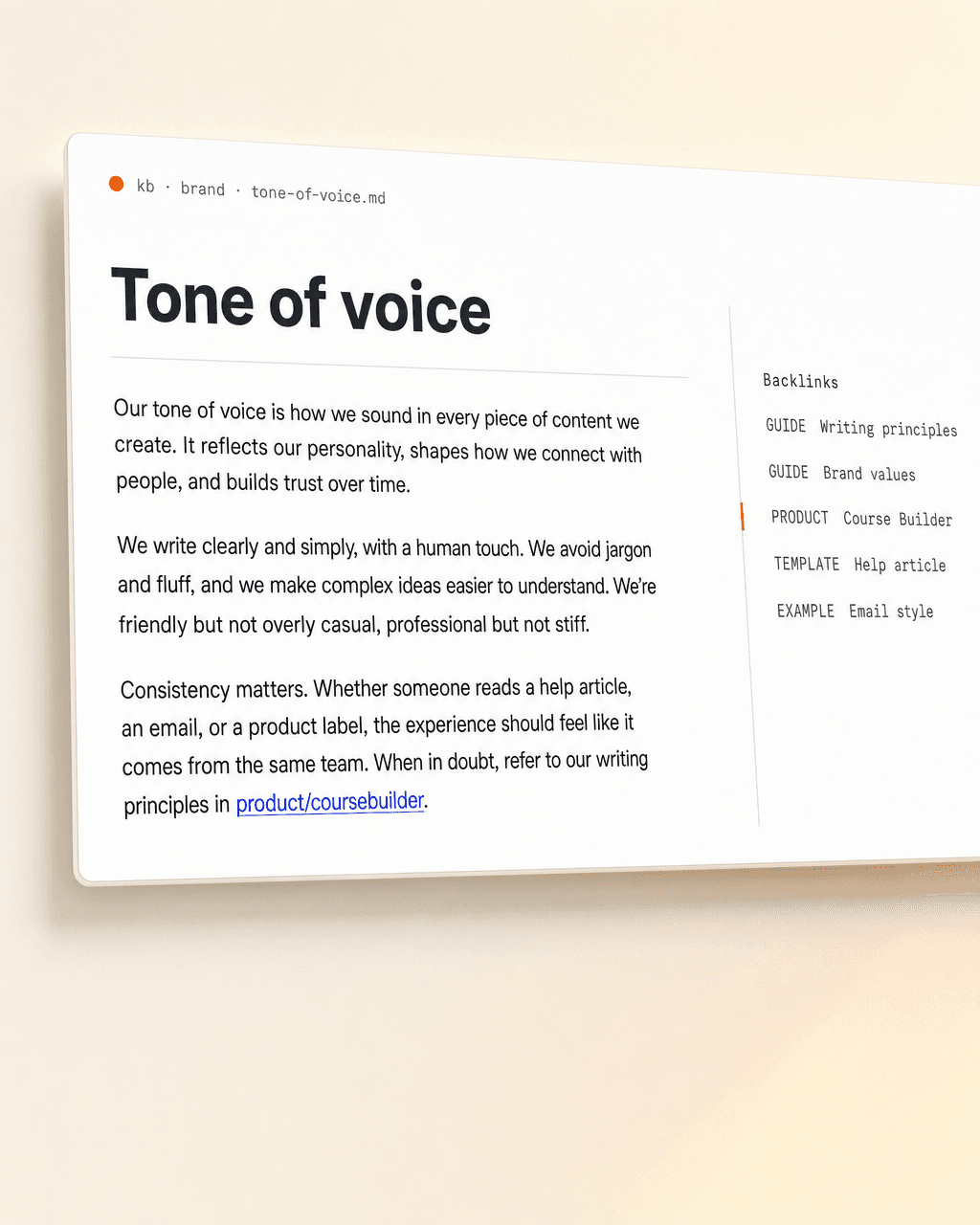
→Where your wiki lives. Your team writes in plain Markdown — same place the rest of your Koios toolkit runs.
A Markdown knowledge base everyone in your company writes. Then every Koios agent reads it as context for every prompt.
You have it. Most companies do. The forty-slide brand deck made in a workshop two years ago. The wiki page someone started and never finished. The customer language sitting in a Slack DM neither of you can find. None of it discoverable. None of it consistent. And — quietly the bigger problem — none of it readable by the AI tools your team is now relying on every day.
And your AI tools? They can’t see any of it.
Most AI tools take your documents, chop them into 500-token chunks, push them through an embedding model, and store the vectors in a database. At query time they fish out a handful of chunks by cosine similarity and stitch them into the agent’s context. The agent never sees a whole document — only fragments it has to glue back together.
Every query rediscovers knowledge from scratch. Nothing accumulates. Ask something that needs five pages synthesized and the agent re-derives the synthesis every time — badly.
Koios wikis index by page, not chunk. A single index.md catalogs every page with a one-line summary. The agent reads the index, drills into the pages it needs, then answers from whole-page context. No embedding model. No vector store. No retrieval failures. Just Markdown your team writes and your agents read.
★Karpathy showed it works: at moderate scale (~hundreds of pages) plain page-level indexing beats embedding-based RAG. See his LLM Wiki — a compounding artifact the model keeps current, not RAG that rediscovers knowledge on every query. We adopted the pattern for company-wide use.
Draft a LinkedIn post about the new course builder.
Not just brand. Anything that should live somewhere everyone — humans and agents — can find it. The six categories that always show up:
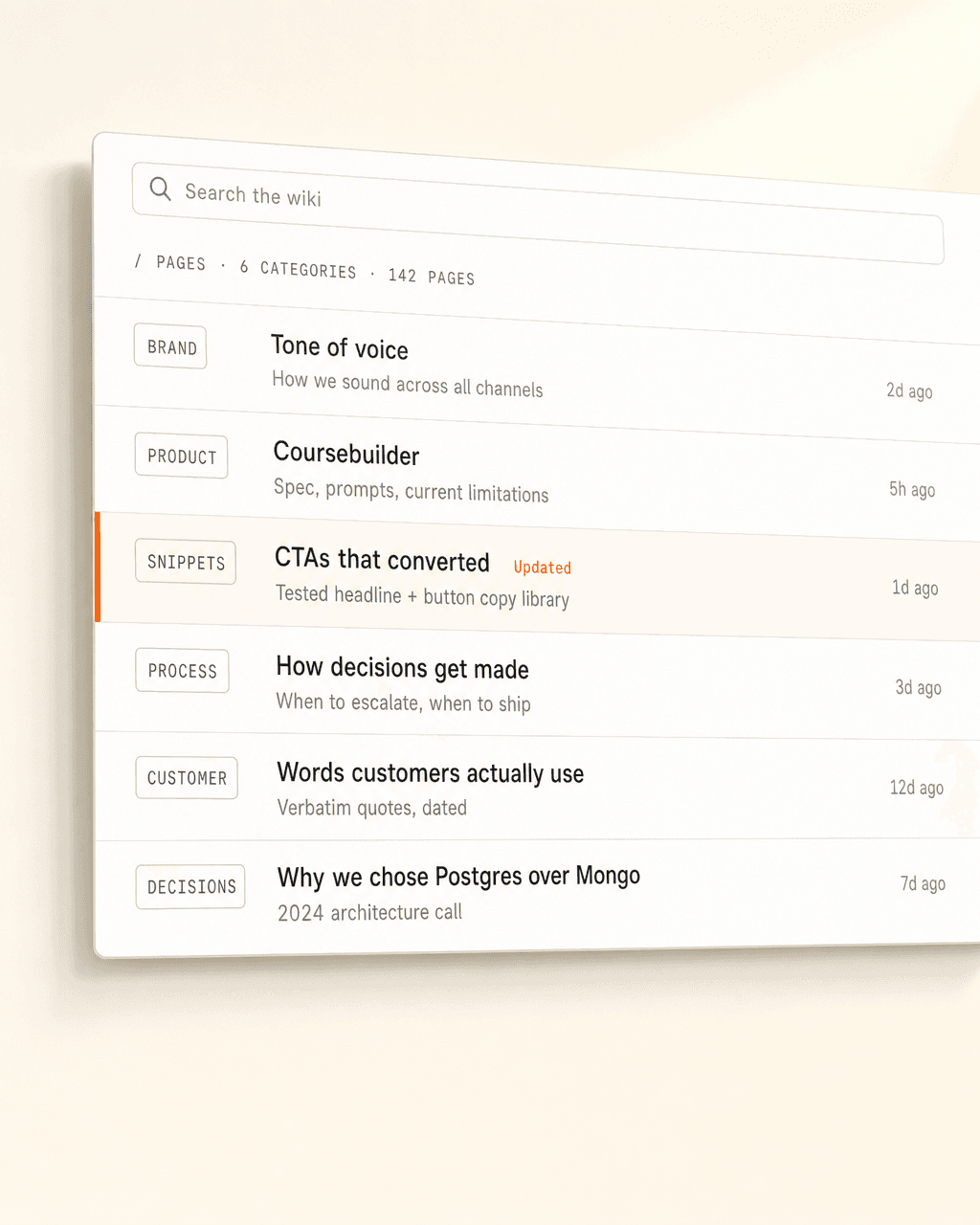
When a Koios agent gets a task — writing a post, drafting an email, qualifying a lead — it pulls relevant pages from your wiki and uses them as context. Your tone, your products, your decisions. The agent isn’t guessing.
“Ingested by every agent.that’s the whole product
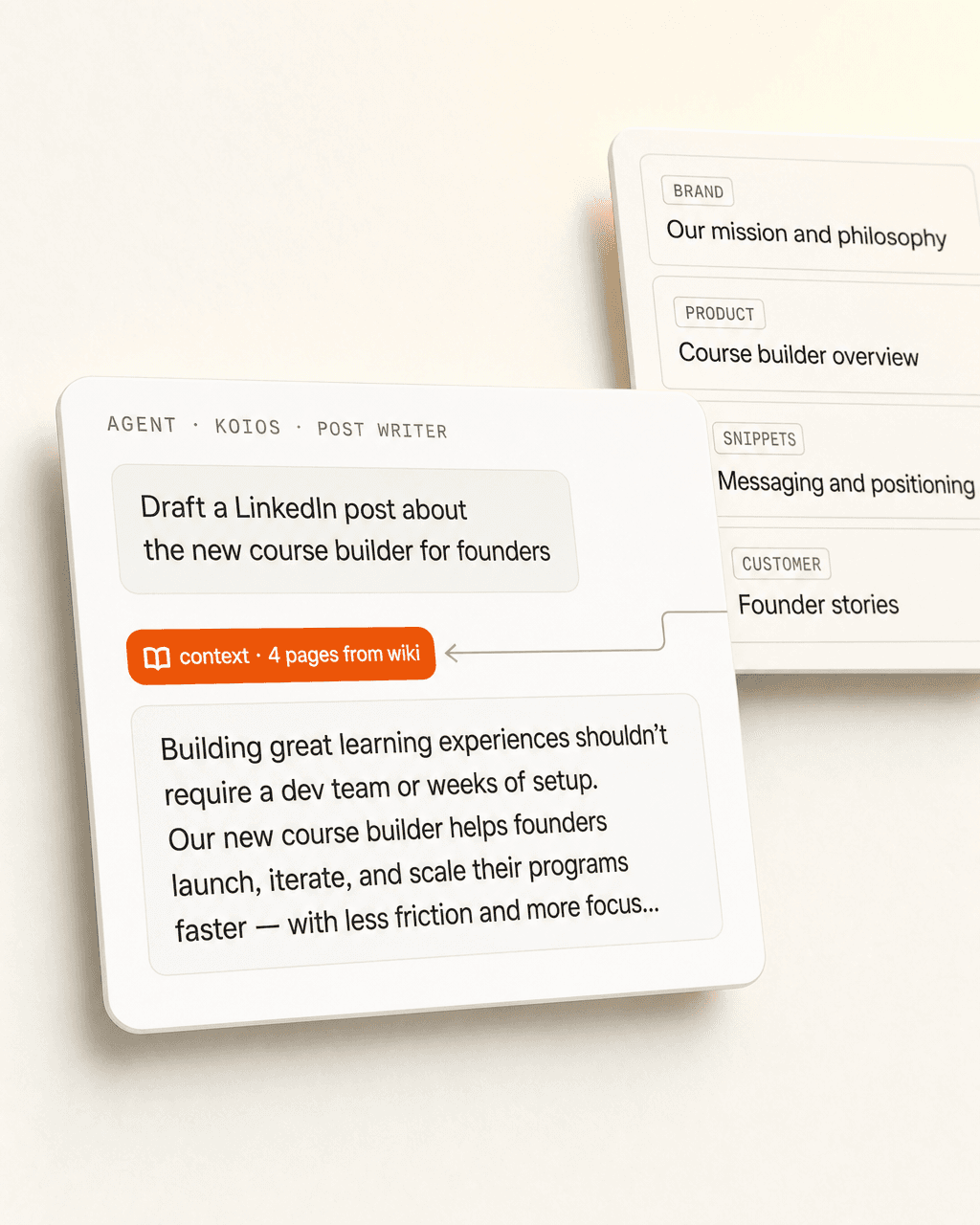
Your team doesn’t learn a new tool. The wiki shows up inside whatever interface they already use — and so does the agent that has read it.
Where your wiki lives. Your team writes in plain Markdown — same place the rest of your Koios toolkit runs.

A Koios Skill makes your wiki available in every Claude chat — no copy-paste, no re-uploading, always current.

A Custom GPT pre-loaded with your wiki, deployed to your team. They get your tone, products, decisions on tap.

Available as live context in Gemini Workspace, so analysts and operators land in the same source of truth.

Post Creator, Newsletter, Pipeline, ICP Scorer — every tool in the toolkit pulls from the same wiki.

Engineers shell into Claude Code, and the wiki is one of the first reads — so code gets written in your voice too.
All six read from the same source. Change a page once. Every surface picks it up.
Your wiki is the company. A new hire reads it on day one and asks the agent — pulling from the same source — for the rest. They reach the same answers as your senior team without sending a single Slack DM. The wiki keeps getting denser as more people add what they learned, and every cohort onboards faster than the last.
We deploy the wiki into your stack and wire it to every Koios agent you’re running. Hosted by us, owned by you, exportable forever.
We migrate your existing docs and write the first thirty pages with your team — tone, products, the obvious processes. Your wiki shows up populated, not empty.
Your team writes. Your agents read. We’re around when you want a new page type, a tone shift, or a new agent plugged in.
Twenty minutes. We walk through your docs, your stack, and what one looks like for your team.
Or email matthias@lifeisapitch.io